


Equo CLI: The Fastest Path to Evolve your Application
Matias Gulin Castells on March 26th 2026
Over the last few months, we have focused on a common problem for teams maintaining Eclipse RCP applications: how to modernize them without rewriting years of code or disrupting current workflows. The result is SWT Evolve, our modernization engine for SWT / Eclipse RCP applications.
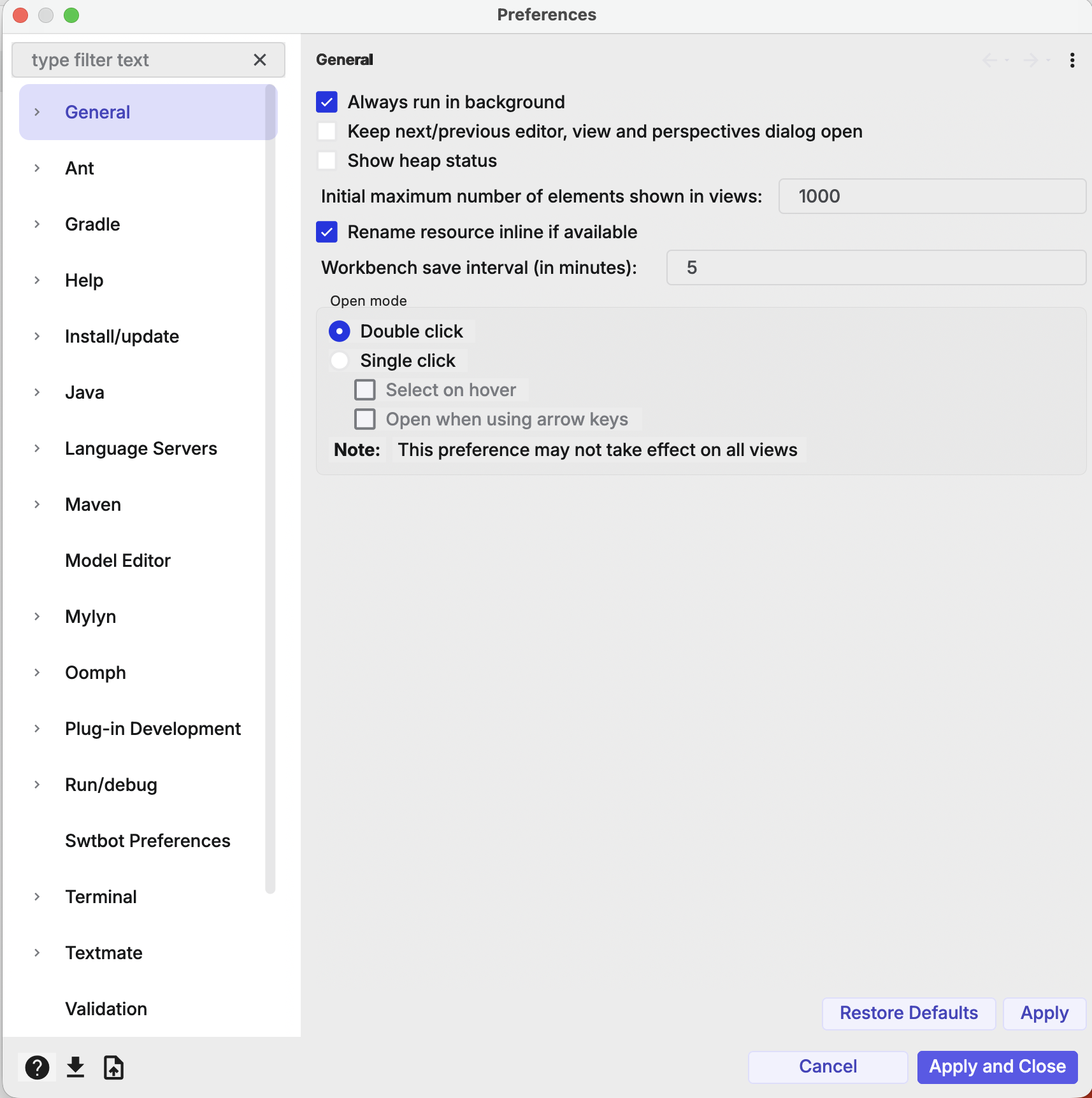
It replaces the legacy SWT renderer with a modern, GPU-accelerated engine while keeping 100% of your existing Java code intact. You get a responsive UI, full SWT API compatibility, and the ability to target Windows, macOS, Linux, and even the browser from the same codebase. Unlike server-side frameworks like Eclipse RAP, SWT Evolve keeps all UI logic and rendering on the client side, reducing server load and avoiding the complexity of managed user sessions.
To help teams visualize the impact of this technology on their own software, we created Equo CLI. It is a specialized tool designed for experimentation and rapid prototyping, allowing you to see exactly how your application would look and feel with SWT Evolve incorporated.
The goal is simple: Provide a low-risk environment to test, evaluate, and experience the modernization of your application in minutes.
Legacy SWT
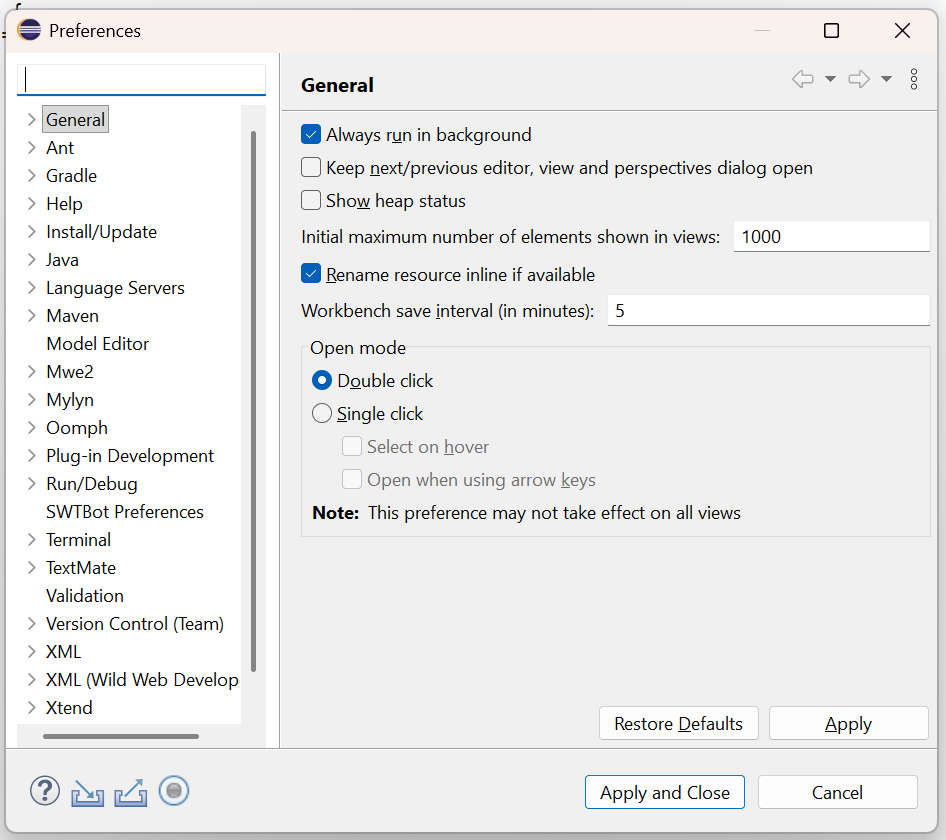
SWT Evolve
Why Start with Equo CLI?
Equo CLI acts as an evaluation tool. It allows you to "drop-in" the SWT Evolve engine into your application for testing purposes, keeping your application code intact while you assess the benefits.
Key benefits for your evaluation:
- Instant Visualization: See your application modernized without modifying your project's source code or building it.
- Risk-Free Testing: Experiment with the new UI in a sandboxed way before a full integration.
- Validated Performance: Measure the speed and responsiveness of the GPU-accelerated engine on your specific use cases.
- Native & Web Readiness: Verify how your current dialogs and business logic behave in both desktop and browser environments.
- Incremental Approach (Widget-Level Preview): : Instead of a full UI switch, selectively enable SWT Evolve on specific components (e.g., tables, menus, tab folders)while still having some old widgets based on the original SWT, to compare modern vs legacy behavior side by side.
Who is it for?
Equo CLI is designed for developers and product owners who need to:
- Validate Modernization: Prove to stakeholders that a UI refresh is possible without a total rewrite.
- Assess Feasibility: Quickly check compatibility with existing plugins and custom Eclipse RCP components.
- Explore Cloud Potential: Test how their desktop application would translate to a browser environment using a real-world preview.
Quick Start: CLI Usage
Testing your application is a straight forward process: download the tool and run the command to launch your application with the SWT Evolve engine enabled.
$ equo modernize --desktop path/to/your/appModular Exploration (Widget-by-Widget)
One of the most powerful aspects of testing with Equo CLI is its modularity. You don't have to visualize an "all-or-nothing" change. The tool allows you to trigger modernization on a granular level.
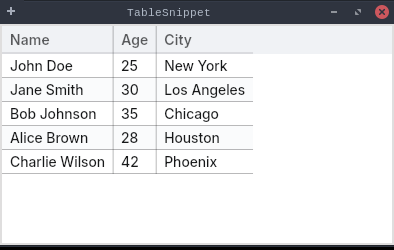
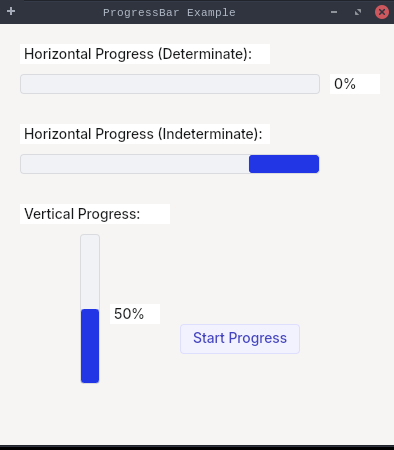
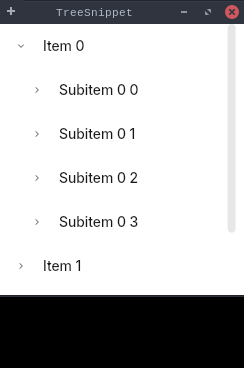
Here is what you can achieve with this granular control:
- Target Specific Areas: Choose to modernize only certain components (like buttons or menus) to compare them side-by-side with the classic UI.
- Iterative Feedback: Show your team different stages of modernization to decide on the best aesthetic direction.
- Configuration Testing: Fine-tune how the engine interacts with your UI externally.
From Preview to Reality
Eclipse RCP and SWT applications remain business-critical, but the gap between legacy UI and modern user expectations is growing. Equo CLI is here to close that gap, providing you with the data and visual proof you need to take the next step toward a modernized stack.
Don't guess how your application will look, see it for yourself in minutes.
If you want to see the specific technical implementation, including the exact commands and configuration methods to get started, you can find full documentation and interactive examples on the SWT Evolve page.
Why Now
Eclipse RCP and SWT applications remain critical in many organizations, but the UI ecosystem has moved on. Equo CLI closes that gap with a safe, controlled, modernization path that removes technical debt and enables advanced theming and custom branding.
Stop spending years on rewrites; start seeing results instantly. If you want a demo or a technical evaluation, get in touch, and we will coordinate. Got any questions? Here's our FAQ!